AI For Meetings: How AI is Changing Business in 2026
Introduction
There's a lot of time wasted in meetings. I don't think many would disagree with that. But things are changing! Artificial Intelligence (AI) is completely transforming how we conduct, manage, and follow up on meetings.
A survey by Atlassian uncovered that 78% of respondents said that they’re expected to attend so many meetings, it’s hard to get their work done. uncovered that 78% of respondents said that they’re expected to attend so many meetings, it’s hard to get their work done.uncovered that 78% of respondents said that they’re expected to attend so many meetings, it’s hard to get their work done.
So what are some solutions to make meetings more efficient or at least a litte more bearable?
Well, there have been some major advances in meeting technology. And AI is leading the charge.
It can start with real-time transcription that captures every word to intelligent task extraction that automatically assigns action items. No more frantically taking notes to refer back to later. Just review the transcript of the meeting!
And everything is changing quickly. While we used to manually take notes, AI allows us to let the tech handles the heavy lifting. You can even instantly populate proven meeting follow-up email templates with AI-generated action items. That’s a lot better follow-up with less effort.
AI for meetings isn't just a nice-to-have anymore—it's becoming essential for using resources efficiently. Then there's the human factor. There can be a lot of employee frustration after a meeting. Here are some common complaints I've heard after a poorly run meeting:
- No meeting notes
- No clear action items and assignments
- The meeting could have been an email
- No clear agenda
- Lack of preparation and structure to the meeting
This article aims to lay out the current state of AI for meetings, some of the best features in platforms out there, and how to use them.
So let’s get into how AI tools can eliminate the boring admin tasks and get us back to actually getting work done.
How AI is Changing Meetings
We've all experienced it – sitting through yet another meeting where half the time is spent trying to figure out what was actually decided last week.
But here's some good news: AI is changing how we handle meetings, and the results are really impressive.
Pre-Meeting Tasks
- Just finding time of everyone's calendar can wear you down, AI scheduling assistants help with that and so much more prior to the meeting even starting.
- Participant's productivity patterns are considered.
- The type of meeting is a factor. A long deep dive meeting is probably not good to schedule late in the day.
- Time zones can be an issue for global teams when finding a meeting time that works for everyone.
- AI agents can accommodate scheduling requests and reschedule if conflicts happen.
- Agenda planning is another area where AI can help prepare for a successful meeting. The AI can analyze project documents, prior meeting, and emails to make sure nothing is overlooked on the agenda.
Meeting Transcripts Saving Time
Sure meeting transcripts are nice to have. But are they helping employees get things done? Yes, they are!
Companies using AI meeting tools report a 73% improvement in completing action items and 45% better follow-through on decisions made during meetings.
Those are some big numbers.
So the change here is from regular note-taking to automated meeting intelligence. That's a lot of work that AI can now do for us.
AI systems now capture everything – from important decisions and tasks to who's speaking. It can even figure out what the mood of the conversation is!
So AI understands the context and can pull out the important information for you. Nothing gets lost in the details and side conversations!
Follow-Up Options
You know that time-consuming process of cleaning up notes, assigning tasks, and sending follow-up emails? AI can take care of:
- Meeting summaries within minutes,
- clearly identified tasks with assigned owners,
- and everyone gets updates based on what parts of the meeting were relevant to them.
So what do meeting follow-ups look like in the real world?
AI meeting platforms can records meetings and generate a checklist of tasks with assignments that can then be manually emailed to team members.
There are integrations with project management systems Meetings can generate deliverable checklists with tasks assigned to team members and updated directly to PM systems like Asana and Monday.
Web apps can also summarize meeting transcripts and generate task assignments and automatically email meeting participants with a summary of the meeting and their specific task assignments.
Whatever AI for meetings solution you have or are considering, there's an option out there to make meeting follow-ups easier and more efficient.
Connecting Office and Remote Workers
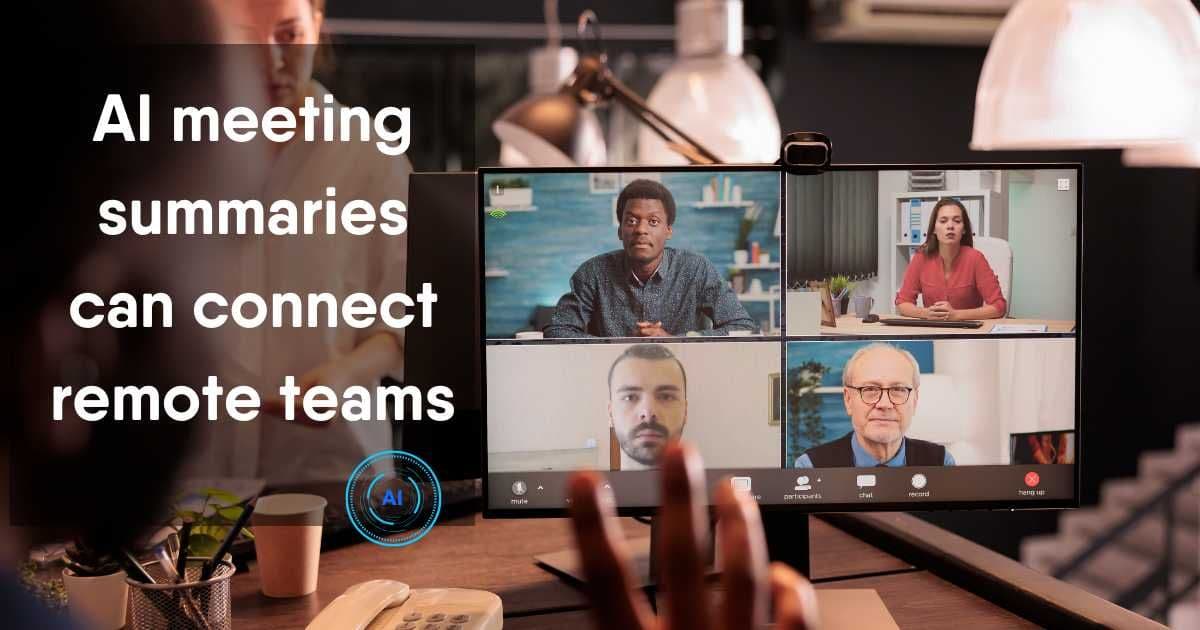
Have you ever felt like there are two different experiences for the remote team member and in-office member. Well, there's a lot to unpack there, but just from a meeting point of view, the differences can be stark.
The conversations that happen in the hallway after a meeting can be just as (if not more) important that the meeting itself.
So it's important to make sure that everyone on the team (remote and in-office) have the same information and checklists.
The meeting summarizations are a great tool for this.
Remote attendees can miss important information simply because of technical issues or multitasking (we all do it, right?). An AI meeting summary and task checklist can be a lifesaver if you feel you might have missed something!
Meeting Platform Features
There are a lot of options out there if you're looking at AI meeting platforms. And they're not all created equal.
Here's a are the features that you should be evaluate when selecting the right platform for your team's requirements.
Real-Time Transcription That Actually Works
Speech-to-text capability is the foundation of most platforms Look for an AI meeting platform that achieves a 95%+ accuracy rates
You may even have a lot of technical or industry-specific terminology, but that shouldn't matter. But that shouldn't matter because the AI has to be able to handle your very real meeting scenarios.
Some other transcription-related features to consider:
- Does it handle multiple languages? This is important for global teams where English might not be every team member's first language.
- Can the AI distinguish between different speakers?
- How does it handle different accents? Some can struggle with American southern accents, but easily transcribe a British accent.
Meeting Summaries That Provide Value
Meeting summaries aren't just bullet points that recap the talking points of the meeting.
AI systems can do analysis analysis that identifies themes, tracks patterns and extracts insights that human note-takers might miss. It understands the context of the meeting and reflects that in the summary.
But not every meeting is the same. A client meeting is very different from an IT daily standup meeting. And the summary formats should reflect that.
Look for a platform that offers templates for a variety of meeting types. That way the AI has a heads up on the patterns to expect. A client call will probably focus on next steps and objections, while project reviews meeting will address blockers and resource needs.
Again, the AI should understand the context of your meeting understanding makes summaries actionable rather than just a listing.
Analytics That Drive Better Meetings
Not everyone may associate analytics as being important to a meeting platform. But once you see the patterns in your meeting, you may be quite surprised. And all of these factors drive up the cost of your meetingscost of your meetings..
Here are some insights that meeting analytics can provide:
- Speaking time analysis - shows whether meetings are balanced conversations. Managers might think they’re guiding the meeting well and then discover they’re talking 70% of the time!
- Sentiment analysis - AI tracks participant's tone during the meeting. This would be very useful in a sales meeting to maybe change the approach for the next client meeting if the tone were off.
- Meeting scoring - this can help to make sure the meeting stuck to the agenda, there was participation balance, and actionable tasks or recommendations came out of the meeting.
Integrations
Integrations are critical and what separates good platforms from great ones.
You need to be aware that the transcription tool in your meeting platform needs to work with whatever video platform your using.
So whether you're using Zoon, Teams, Google Meet or whatever, it needs seamlessly integrate with your video platform.
Look for solutions that are easy to implement and manage. One approach is where the AI joins the meeting as a participant or integrate directly through APIs.
And don't forget about integration with documentation and project management solutions like Notion and Confluence.
It's a huge benefit to have meeting summaries automatically appear in project folders. People are more likely to read them!
Manually copying and pasting them into a folder is not difficult or time-consuming... but we all like automation. Because we all forget or get distracted.
Integration with project management tools changes how teams handle follow-through. Tasks automatically appear in Asana, Monday.com or Jira with assignees, context, and deadlines.
The AI can even suggest which project or epic the task belongs to based on meeting content and historical data.
Top AI Meeting Tools and Platforms
Managers and their teams come in all different sizes (shapes and flavors too). But with all the options out there, there's a platform or tools to meet your needs
Here are some of the top ones we've come across that actually make a difference to meeting productivity and your meeting results.
Enterprise Solutions
- Microsoft Copilot For Teams - For large organizations, Copilot continues to be the clear winner. The AI power is impressive, but it's also that it's completely integrated with all the other Microsoft applications. If you're looking for meeting transcription, summaries, and action item tracking, then Copilot is a good option.
- Salesforce Einstein Copilot - this is a platform for capturing information from sales conversation. It updates CRM data and seamlessly tracks the sales process.
- Fellow AI if your business is focused on privacy and security then Fellow has you covered. It's HIPPA compliant and SOC2 audited. It can also create your agenda and provide a range of analytics.
- Zoom AI Companion (Enterprise Plus) - this companion takes action for you and executes tasks without you needing to do anything. Helps keep your project on task.
- Read.ai Enterprise - their platform really delivers insights across all documents, emails and messages. Get the information you need in real time.
AI Meetings for Small and Medium Businesses
The majority of companies out there are small to medium businesses. And most times they need a completely different approach to AI meeting tools.
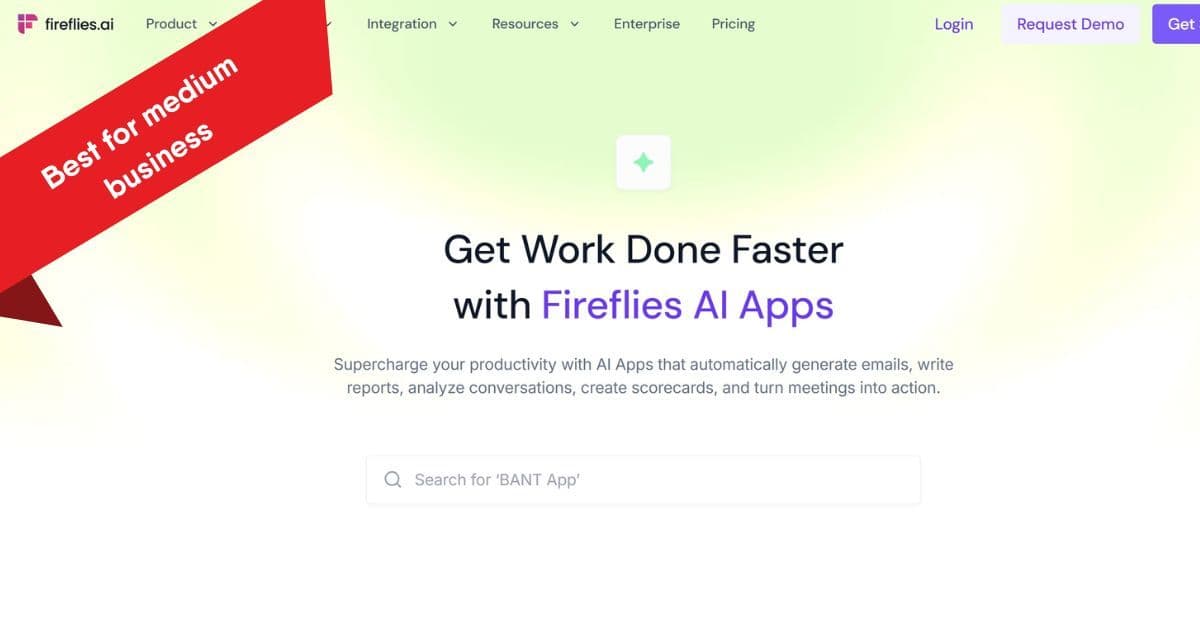
- Fireflies.ai - a note-taking app that's great for startups that need unlimited transcription. It works seamlessly on different platforms. Easy to set up too.
- Otter.aiOtter - a complete meeting AI agent that provides real-time transcription. If your team needs real-time collaboration during the meeting, then Otter is a good choice.
- tl;dv - if video is important for your team, then tl:dv is for you. Great for small teams who want to create meeting highlights and share key moments with minimal effort.
- Fathom - f budget is a serious issue, then Fathom will fit yours. It's free for individuals and paid plans for teams. It's meeting intelligence without the freenium enterprise costs.
- ClickUp AI Meeting Notetaker - combines note-taking and task management under one roof. No more jumping into different tools to get things done. Make task tracking simpler.
Factor growth in your team and needs when you're choosing a platform – switching tools later creates adoption headaches.
Specialized Solutions for Specific Needs
Not every company out there is IT or sales focused. There are plenty of organizations out there that need specialized solution for the ai meeting needs.
- Rev.ai (Media & Journalism) - Rev.ai is built specifically for journalists and media professionals. If you need need court-level accuracy in transcription and templates designed for interviews, and press conference, then it's a great choice.
- Equal Time - Equal Time promotes inclusivity by providing real-time speaking time analytics and conversation flow insights. If your organization is focused on DEI initiatives, then it's worth a look.
- MeetGeek - specializes in HR templates and workflows that automatically capture candidate responses. Its can also create standardized interview documentation so evaluations are always consistent.
- Fireflies.ai for Research & Academia- if you have complex research terminology, then you need a unique solution for your meeting. Fireflies is great at this terminology, thesis defense sessions, and academic conferences.
- Harvey AI - lawyers can benefit from AI in their meetings too. Harvey AI helps with contract analysis, due diligence, litigation, and regulatory compliance. It understands complex legal concepts and works with complex legal workflows.
Future Trends in AI Meeting Technology
It seemed like AI just showed up overnight. And now it's everywhere. Things change quickly and who knows what AI meetings will look like in the near future.
But we do have some ideas based on what is being tested and talked about. Here's some trends about where we see the space in the next 2-3 years.
Emerging AI Capabilities That Will Change Everything
- AI tools that can already understand context, tone, and sentiment. But here will be even deeper understanding of subtle verbal cues. We've all been in meetings when someone states a vague "that's interesting" and really means they disagree and not that they find it a genuinely interesting point.
- Prediction is another area that will take off. Right now AI will recap your previous meeting and docs and tell you what happened. Future AI will give us likely outcomes and how to potentially avoid conflicts.
- Another interesting area is virtual AI meeting facilitators. They seem like science fiction but are quickly becoming reality. They won't replace human meeting leaders but will provide real-time coaching and assistance when needed or wanted. Think of these virtual assistance as coaches that are on the sidelines and can step in when the meeting gets off track.
Conclusion
AI in changing the way we do business meetings. And it's not just note-taking and text. It's transforming the way we analyze handle data in our workflows.
Almost all of us "do meetings". So AI for meetings has an impact on a lot of people in the business world regardless of what industry you're in.
The companies embracing AI technologies will have a real advantage now and in the future, that's very clear.
You can start by looking at your organizations culture related to meetings and see where AI can be leveraged to boost your efficiency.
Want a more productive meeting? - power it with AI.